People often ask me: "do you edit, or does AI?". The honest answer: both, but not the way you think. I do not drop footage into an app with a "make a reel" button. I work with Claude, an AI model by Anthropic, which writes the editing code for me. I say what should happen on screen, it turns that into a program that assembles the video frame by frame. Then I watch the result and ask for changes, sometimes ten times.
How it works, step by step
First I always watch all the footage myself. That is the one thing I never hand over, because only then do I know what is strongest. Then I plan the video like a director: who watches it, the hook, the middle, the ending.
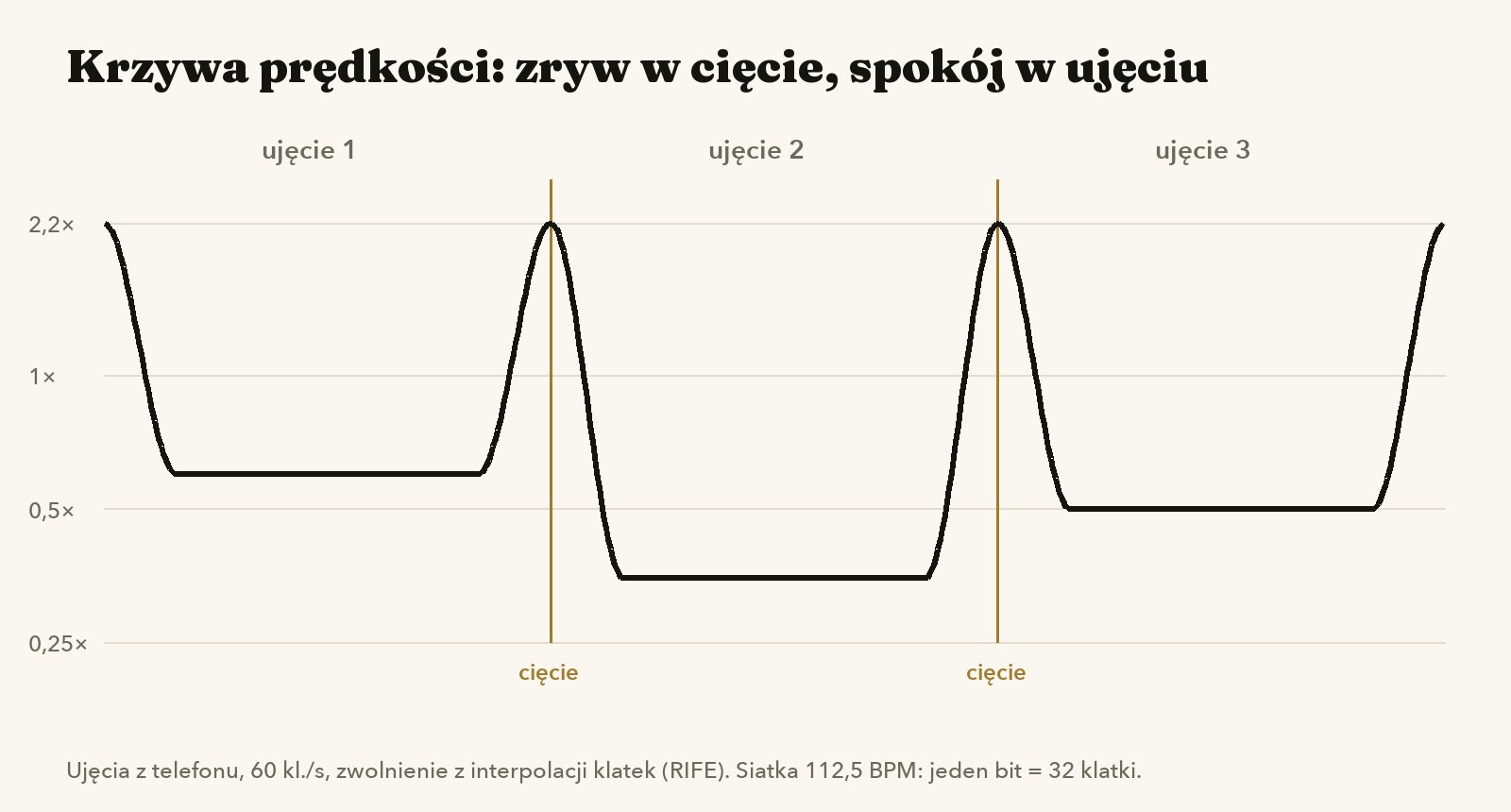
Then Claude comes in. I say, for example: "speed up to 2.2× into every cut, glide slowly in the middle of each shot, cut on the beat at 112.5 BPM". It writes the script, runs it, and I get a finished segment to review. If something is off, I say what, and it fixes the code.
| Tool | What for | What you get |
| Remotion | editing and animation as code | the same video in several formats at once |
| RIFE | in-between frame interpolation | smooth slow motion from phone footage |
| Real-ESRGAN | upscaling | sharper image from older footage |
| Apple Vision | subject masks, reading text in frames | text behind a person, blurring signs |
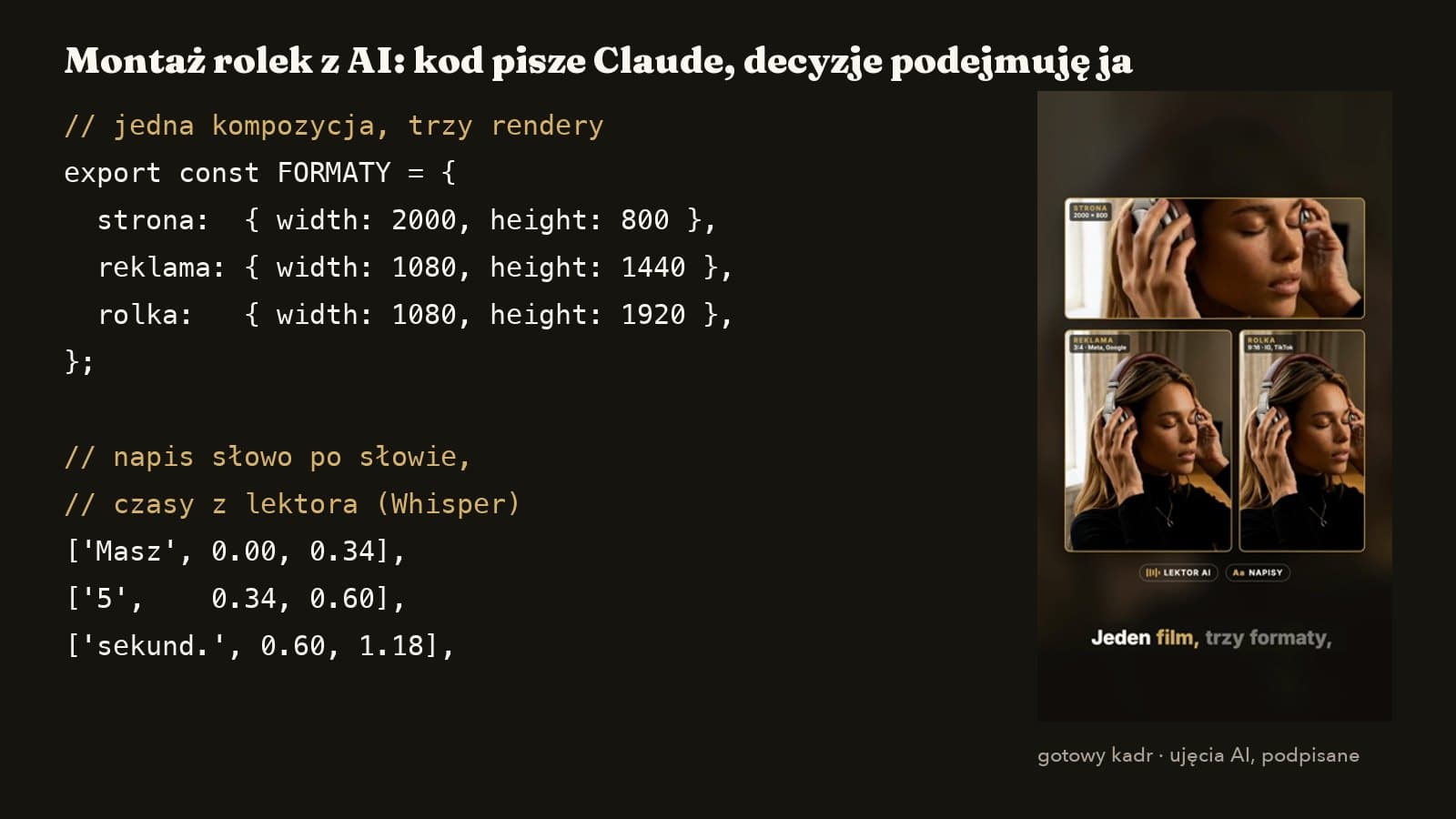
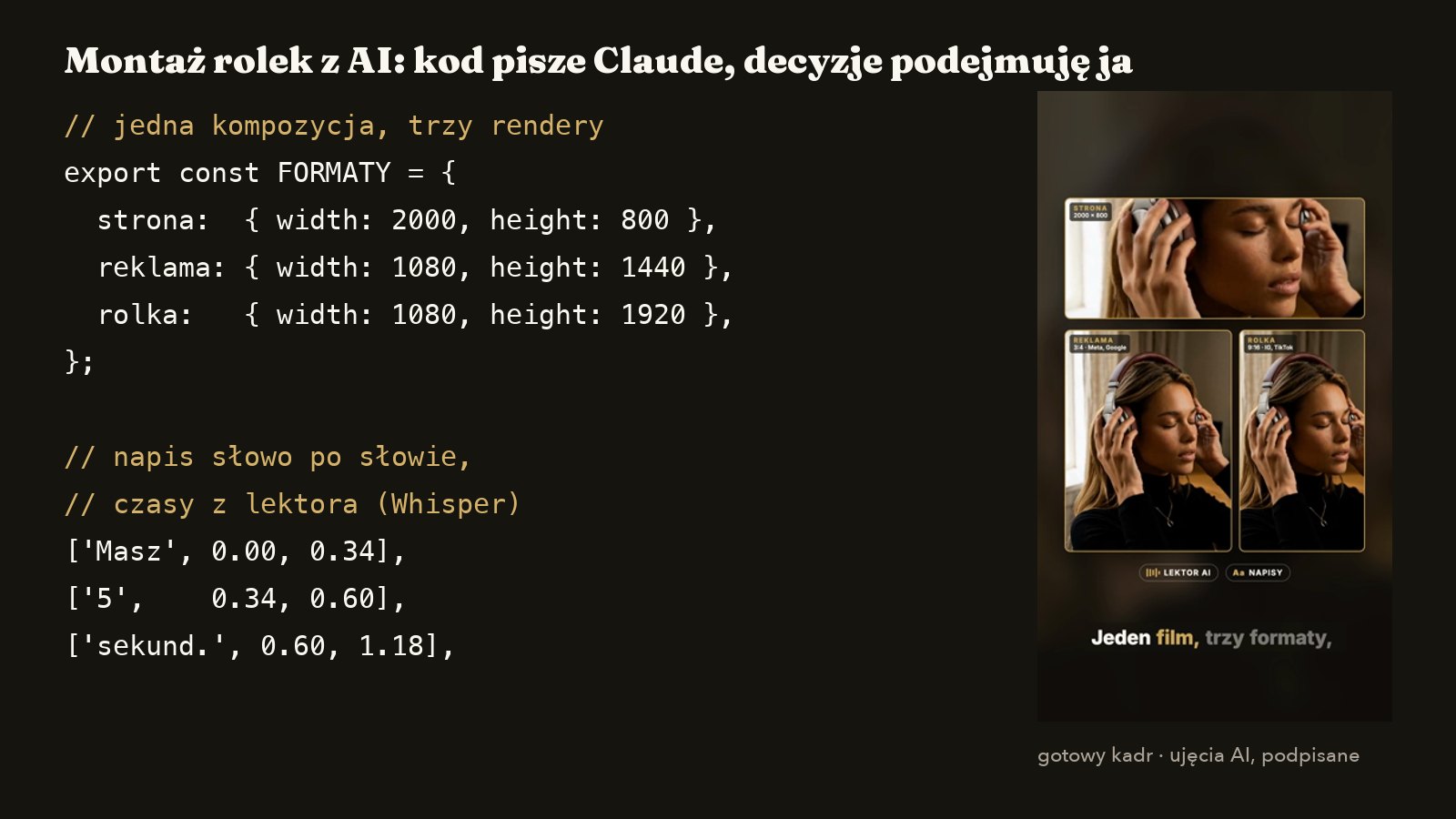
| Whisper (local) | word timings from the voice | captions exactly in sync with the voice |
| ElevenLabs | voice-over and music | licensed voice and score |
Whisper and Vision run on my own computer, so your footage does not go to yet another cloud company just to get captions.
Three real examples
A walkthrough with speed ramps. Claude first measured the reference video I showed it: optical flow showed 112 BPM and bursts of 1–1.5 seconds. Then it calculated speed curves for 14 shots so each used exactly the available footage: slow motion from 0.26× to 0.73×, 24.6 seconds in total.
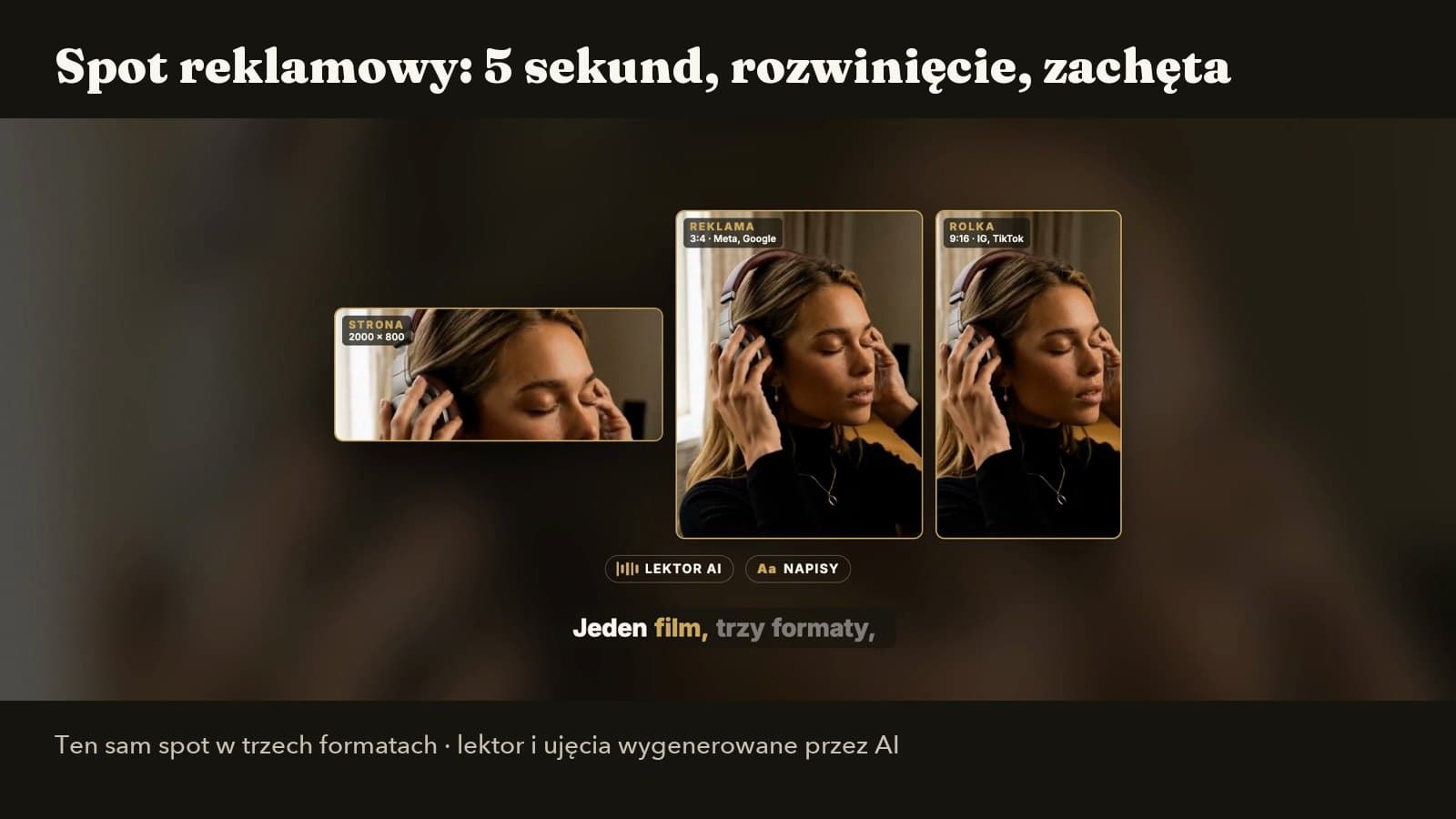
One spot, three formats. 19 seconds, three renders. Four voice-over takes cost about $0.17. Whisper timed 39 words to a hundredth of a second for word-by-word captions.
Signs to blur. To show a reel without a client's name, Claude wrote a small Apple Vision program that read the text in every frame: it found text, including the sign, in 243 of 338 frames, and the blur followed it smoothly.

What AI will not do for you
- •It will not watch your footage for you and know which shot moves people.
- •It will not pick the hook that fits your brand.
- •It will not replace your product: I always show the real thing.
- •It will not judge taste: the first AI version is always a draft.
With its Q1 2026 results Meta said more than 8 million advertisers used at least one of its AI creative tools (PPC Land, 29 April 2026). When everyone has the same buttons, the better footage and the better idea win. And I label everything made by AI.